
Before we start…
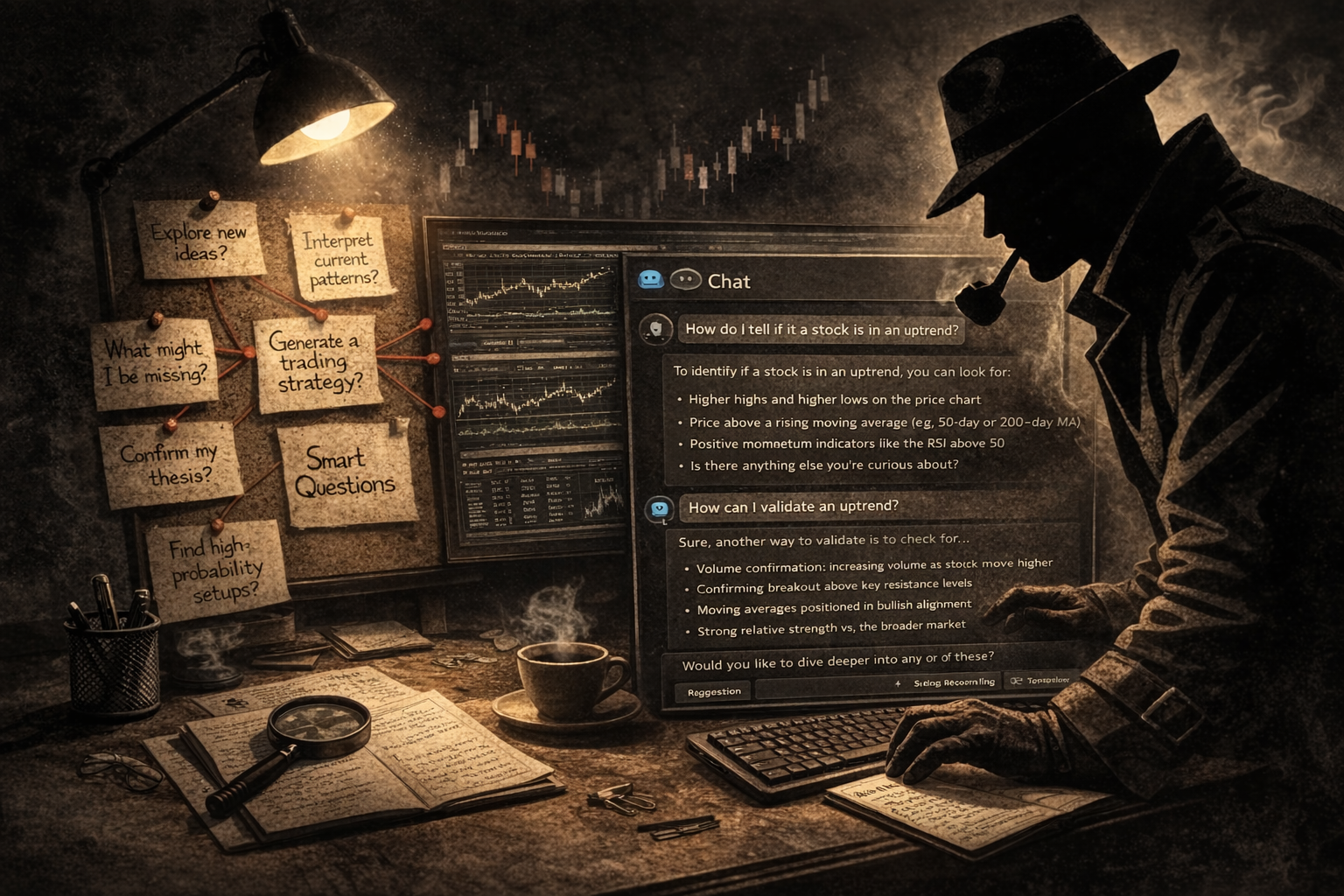
Great results come from asking good questions, not just getting answers. This idea matters a lot when you work with an AI chat helper.
The difference between the same old advice and a real boost in thinking is the quality of the questions you ask and how you use the replies.
StockCharts offers a tool that can help you think deeper: the Chat Assistant. Like any tool, it only works if you use it actively.
If you treat it like a simple lookup, it just fetches facts. If you treat it like a thinking partner, it can speed up your learning and sharpen your trades.
What the StockCharts Chat Assistant Can and Cannot Do
Set realistic expectations first.
The Chat Assistant can help you with:
- Explain StockCharts indicators, tools, and terms
- Turn broad questions into clear analysis steps
- Show hidden features and shortcuts you may have missed
- Offer fresh angles on technical analysis
It will not make decisions for you, and it cannot guarantee any profit.
Ask Better Questions, Not More Answers
Many traders only ask two things: “Is it bullish?” and “Should I buy?” Those are low‑resolution questions.
Try higher‑level questions such as:
- What signals show real strength in this market?
- How can I tell which stocks are leading?
- What evidence would prove my idea wrong?
When you ask smarter questions, the assistant becomes a true thinking partner. It never gets tired, but it also cannot replace your own creativity.
Beginner: Build Basic Awareness
Start with simple queries to learn the basics.
What am I looking at?
- What does it mean when a stock moves above its 200‑day moving average?
- What is the RSI and which levels matter most?
- How can I spot an uptrend?
Where on the platform should I go?
- How do I use the Market Summary page to find strong sectors?
- What’s the difference between new highs and a high SCTR score?
- Which of the two looks more promising?
I need a starting point
- How can I build a simple trading system?
- Which few indicators work well together?
- How can I avoid false signals?
Intermediate: Create a Trading Process
Finding good candidates
- How can I locate a strong stock that has dropped sharply but may rebound?
- How do I turn a stock‑screen into my own custom process?
From idea to trade
- What workflow links Market Summary, Sector Drill‑down, and SCTR?
- How can I use CandleGlance to see trends quickly?
- What are effective ways to use multiple time‑frames?
Checking trade validity
- What reliable method confirms a breakout?
- Which indicator pairs well with Ichimoku for confirmation?
- How do I filter out weak breakouts?
- How can I combine relative strength with SCTR?
Advanced: Interpret the Whole Market
What’s hidden beneath the surface?
- Which tools detect breadth divergences and market participation?
- How can I see if index leadership is narrowing?
- Are there other tools I should consider?
Following the money
- How can I use RRG to anticipate sector rotation?
- What scans reveal emerging stock leaders?
Focus on what matters
- Which tools track both technical and fundamental strength?
- How can I add sentiment data like AAII or NAAIM?
Interpret, don’t just observe
- What signals suggest institutional buying?
- How do I spot a distribution phase?
- If OBV and Chaikin Money Flow disagree, what does that mean?
- What should I do when daily and weekly trends conflict?
Finding an edge
- Which setups usually fail in high volatility?
- Which candlestick patterns have the highest success rate?
Stacking tools for clarity
- How can I combine sector strength, SCTR, and breadth into one framework?
- How do I tell real accumulation apart from speculative spikes?
Insider Tips: Get More from the Chat Assistant
Tip #1 – Chain your questions. Start with a broad query, then ask follow‑ups that narrow the focus. The assistant will let you know when it can’t answer and will suggest the closest information.
Tip #2 – Challenge your assumptions. Present a scenario and ask, “What could invalidate this setup?” This reveals hidden risks and helps you filter weaker ideas.
Final Thoughts
Used the right way, the StockCharts Chat Assistant becomes a multiplier for knowledge and skill. Used passively, it’s just another reference page. The real power lies in the quality of the questions you bring to it.
Source: Materials provided by https://articles.stockcharts.com.Note: Content may be edited for style and length.